Redact Sensitive Text in PDF
GDPR Compliant
Permanent Redaction
The Problem
Simply drawing a black rectangle over sensitive text in a PDF does NOT redact it — the underlying text is still selectable and searchable. This is a critical compliance failure that has led to major data breaches.
The Solution
DocInspector performs true permanent redaction — it searches for the keyword in the PDF text layer, replaces it with a solid black mark, and flattens the document so the original text data is completely destroyed and unrecoverable.
How It Works — Step by Step
- 1Enter the keywords or phrases to redact (e.g. "John Doe", "Account Number").
- 2Upload your PDF files.
- 3The engine performs an exact text search across every page.
- 4Each match is replaced with a solid, permanent black redaction mark.
- 5The document is flattened — the original text data is gone forever.
Supported Formats
PDF
📸 Example Result
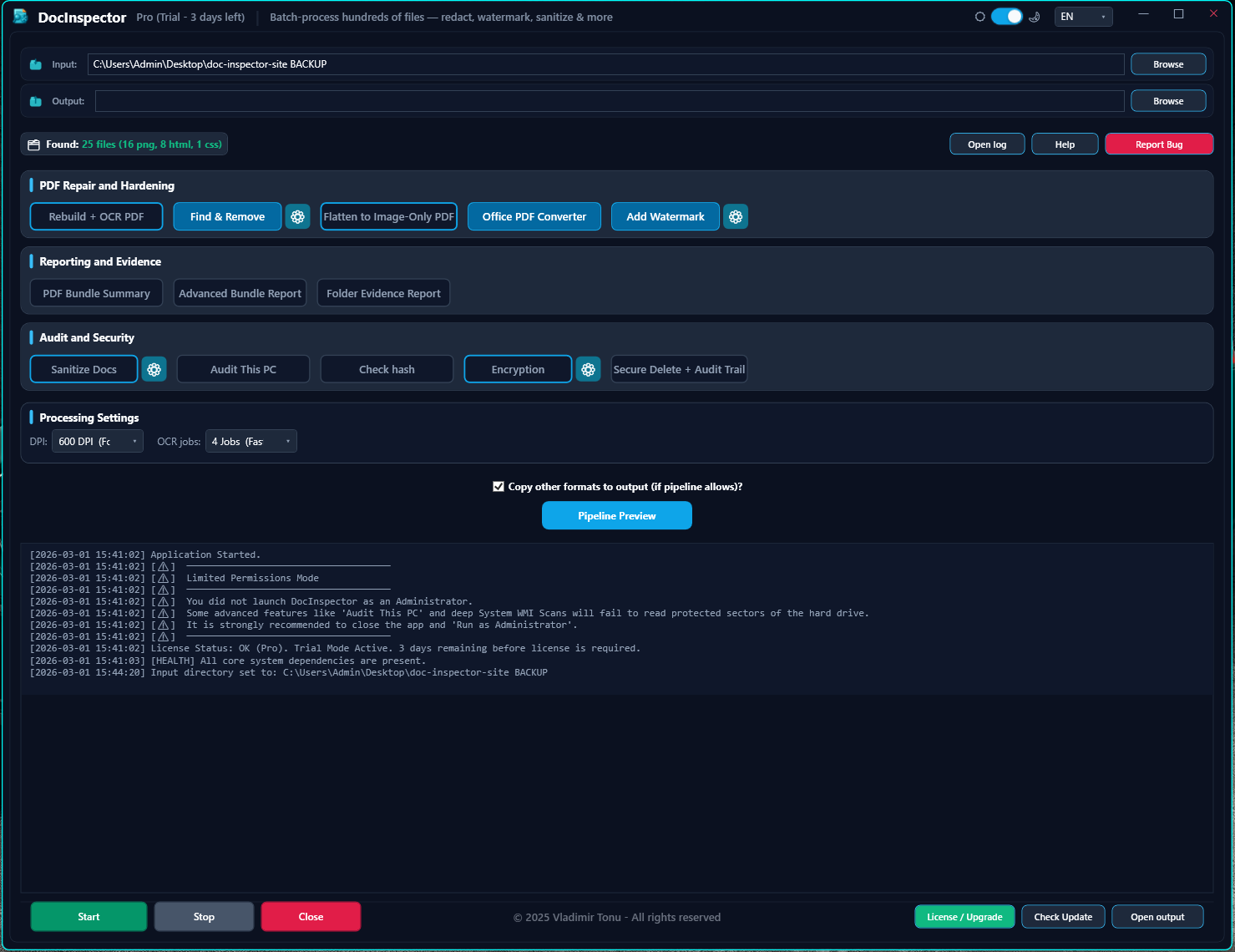
🔍 Click image to enlarge — Interactive Screenshot Preview