Flatten PDF Forms & Layers
Tamper-Proof
Batch Processing
The Problem
Interactive PDFs with form fields, checkboxes, or digital signatures allow recipients to alter the data after you've filled them. A malicious party could change a "Yes" to a "No" or modify financial figures in a submitted form.
The Solution
Flattening permanently merges all interactive elements — form fields, annotations, and layers — into static, non-editable page content. The result looks identical but cannot be tampered with.
How It Works — Step by Step
- 1Upload your interactive PDF forms.
- 2The engine renders every page to a high-quality static image.
- 3Form fields, checkboxes, and annotations are permanently merged.
- 4Signature fields are locked and cannot be removed or re-signed.
- 5The flat, tamper-proof PDF is returned to you.
Supported Formats
PDF (with formsannotationslayers)
📸 Example Result
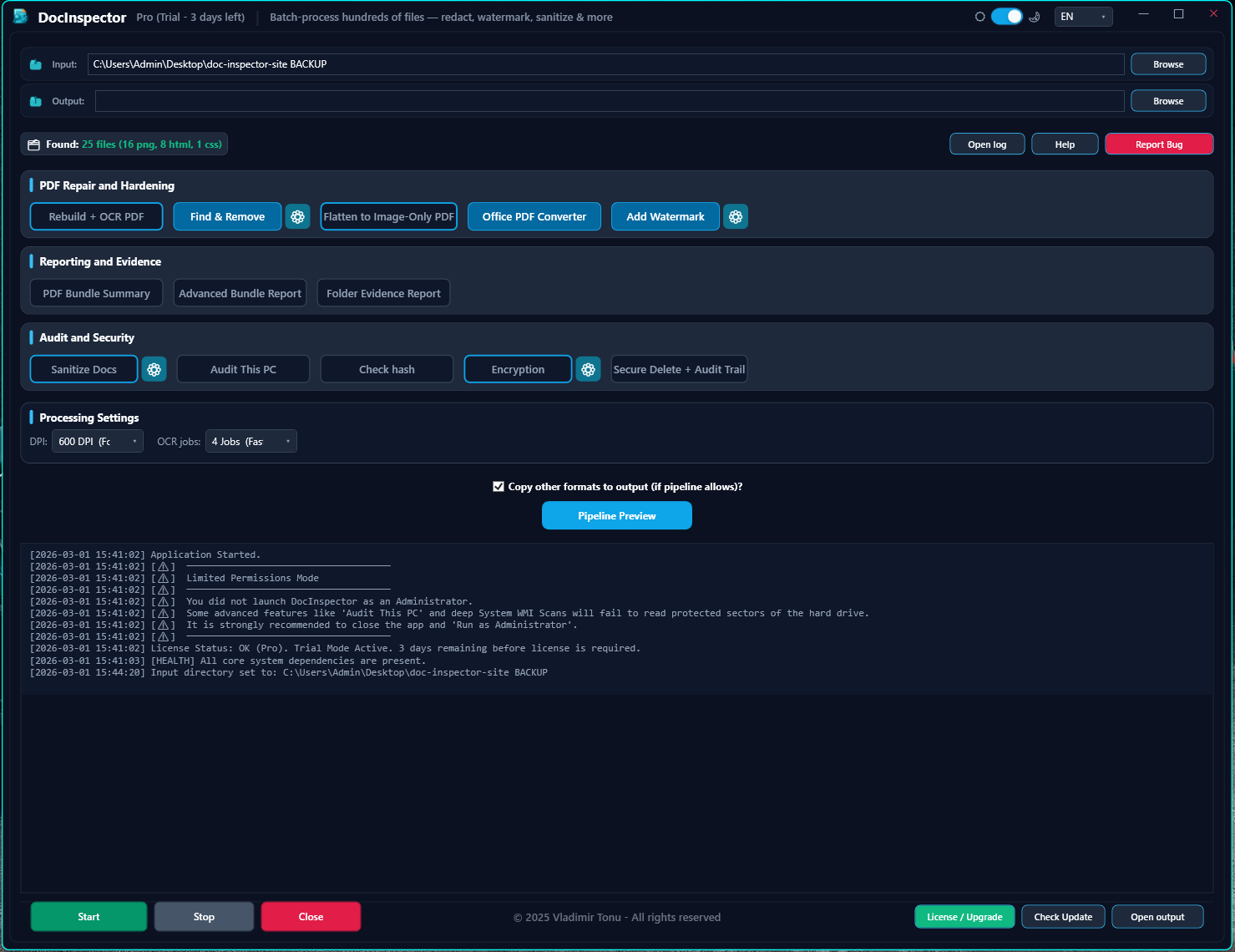
🔍 Click image to enlarge — Interactive Screenshot Preview