Add Watermark to PDF
Batch Processing
Permanent Embed
The Problem
Distributing confidential reports, contracts, or proposals without protection means anyone can claim authorship, re-distribute freely, or strip your branding. A simple footer is not enough — it can be deleted in seconds.
The Solution
Apply a permanent diagonal text watermark across every page of every PDF in your batch. The watermark is embedded directly into the PDF content stream — it cannot be removed without destroying the document.
How It Works — Step by Step
- 1Type your watermark text (e.g. "CONFIDENTIAL" or your company name).
- 2Set opacity and font size to your preference.
- 3Upload your batch of PDFs.
- 4The engine calculates perfect diagonal positioning across every page.
- 5Download the watermarked files, preserving your folder structure.
Supported Formats
PDF
📸 Example Result
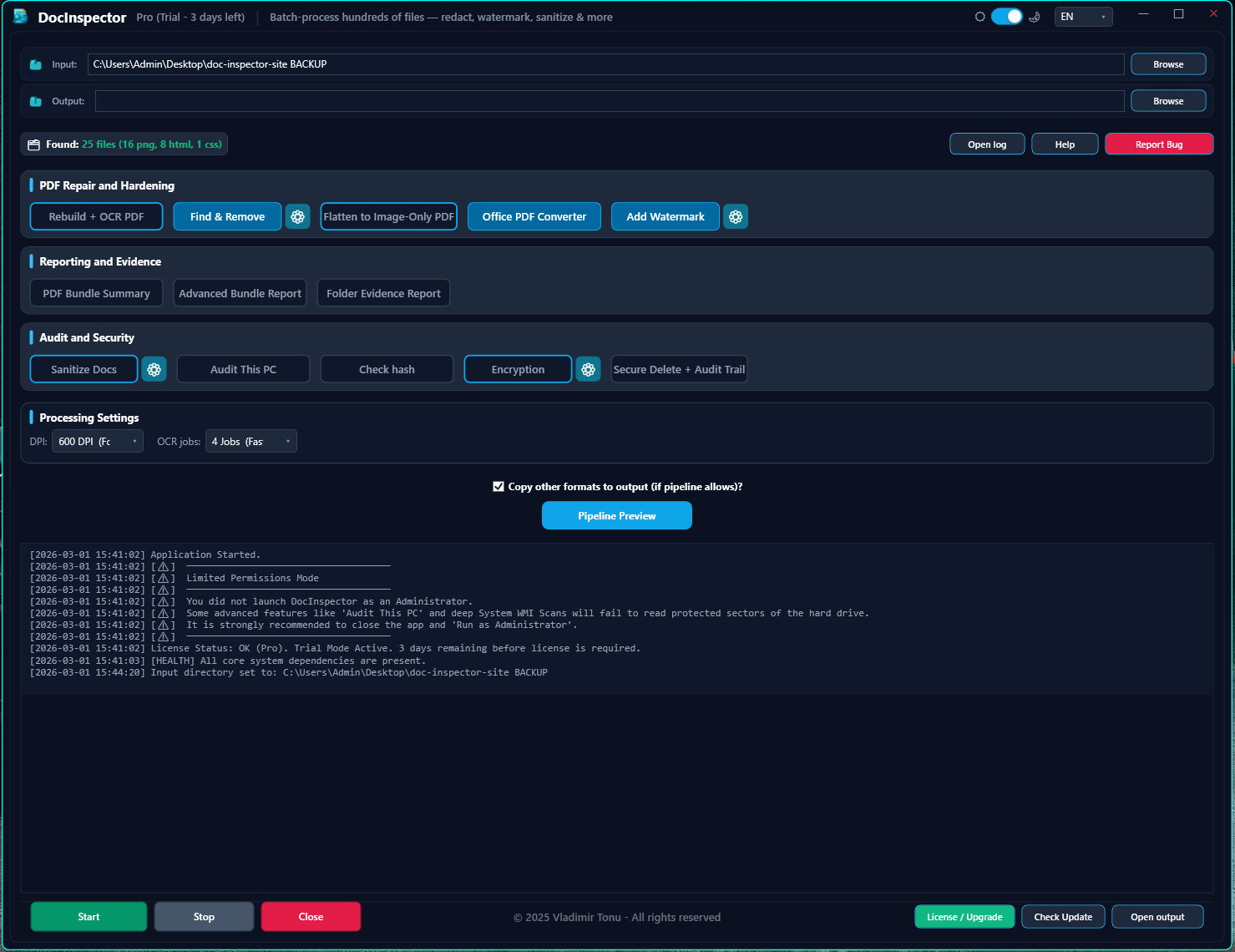
🔍 Click image to enlarge — Interactive Screenshot Preview